
Last updated October 31, 2026
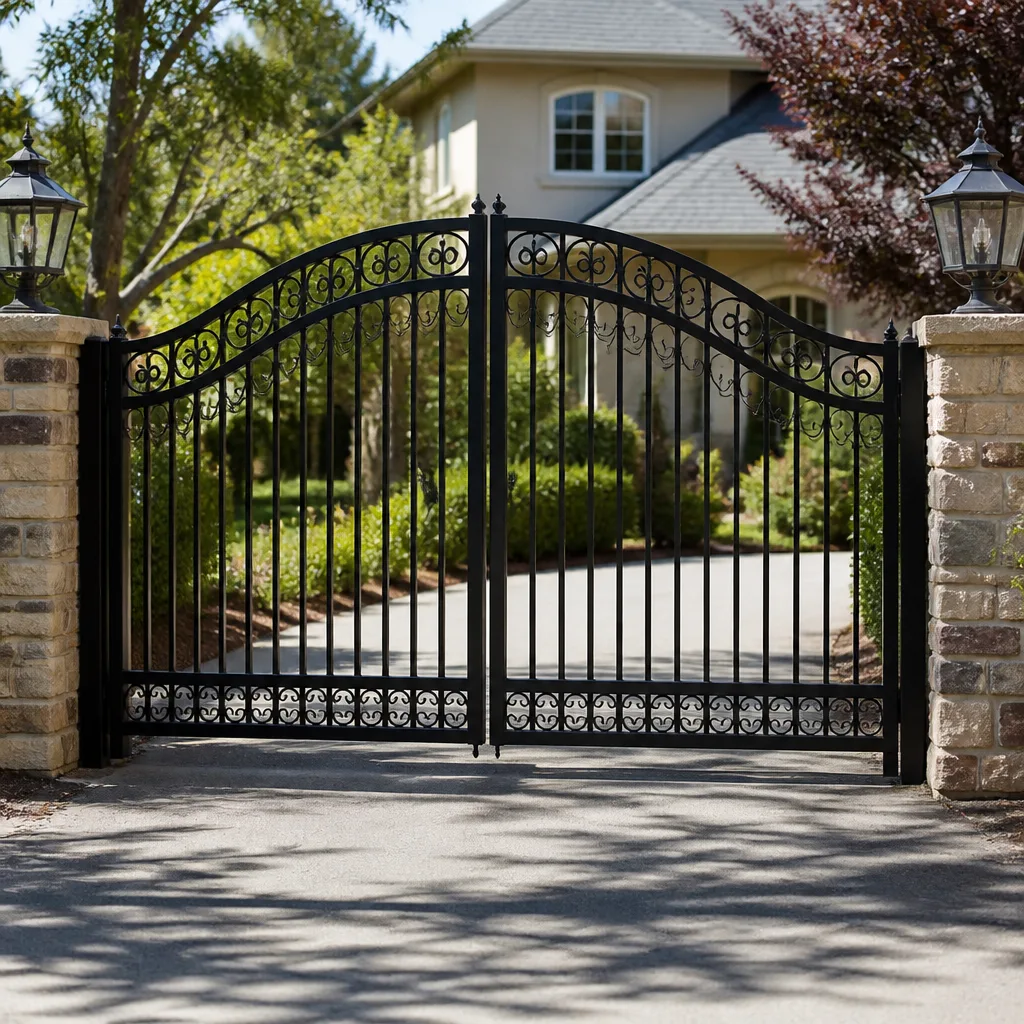 Wrought iron
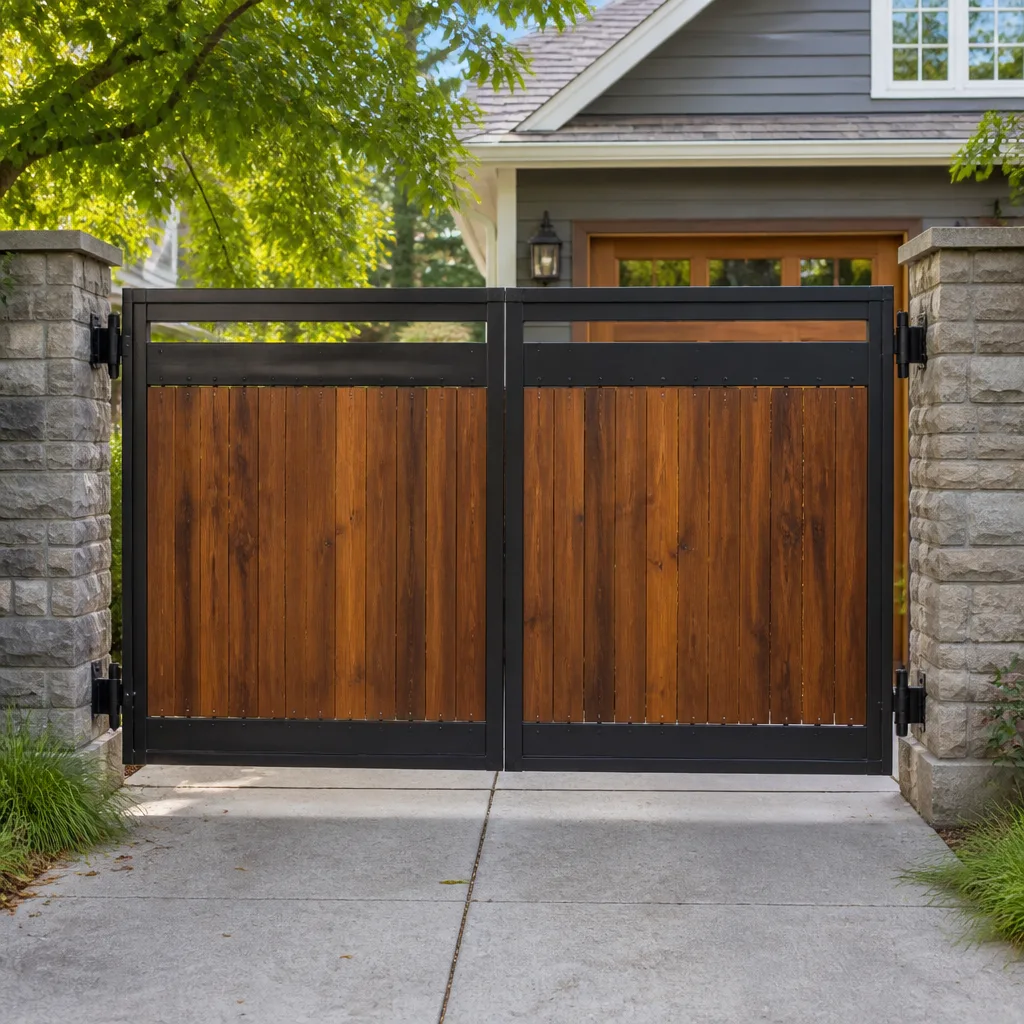 Wood & steel frame
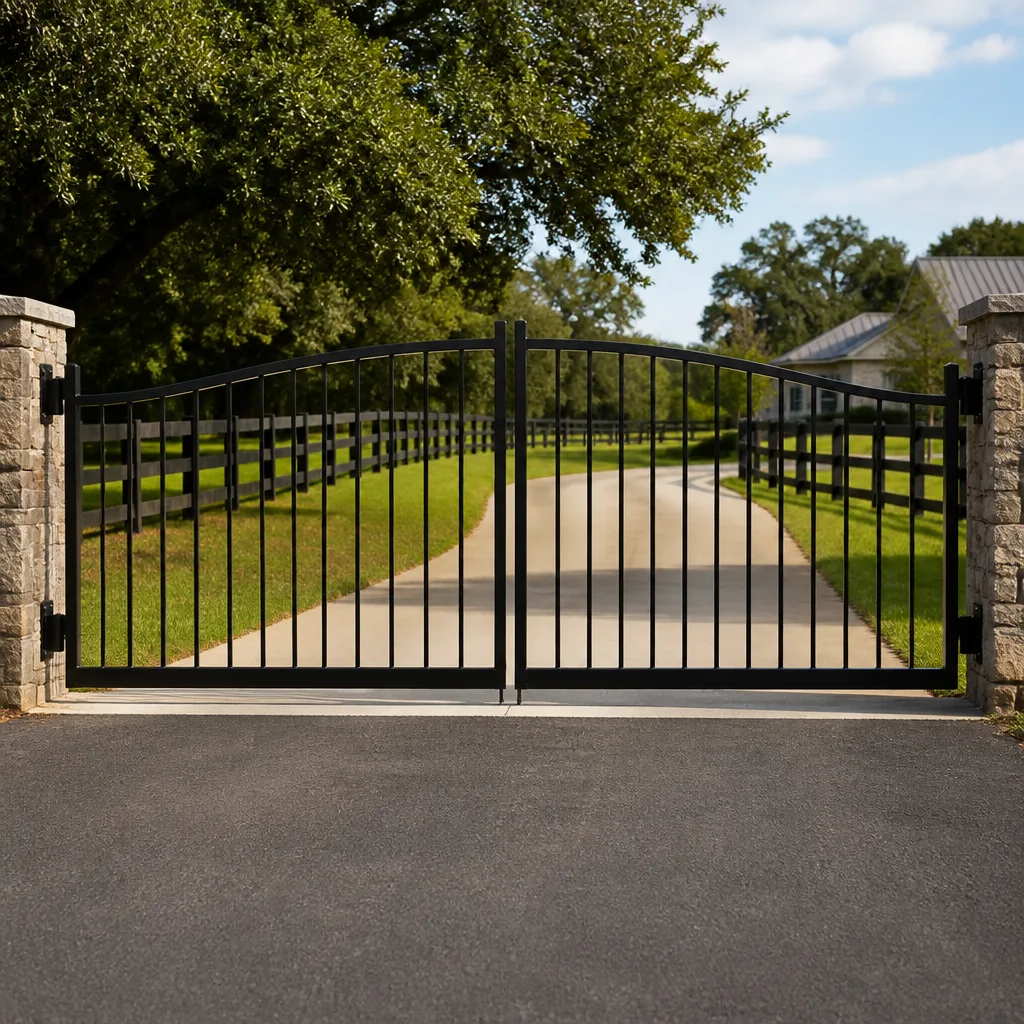 Farm & ranch
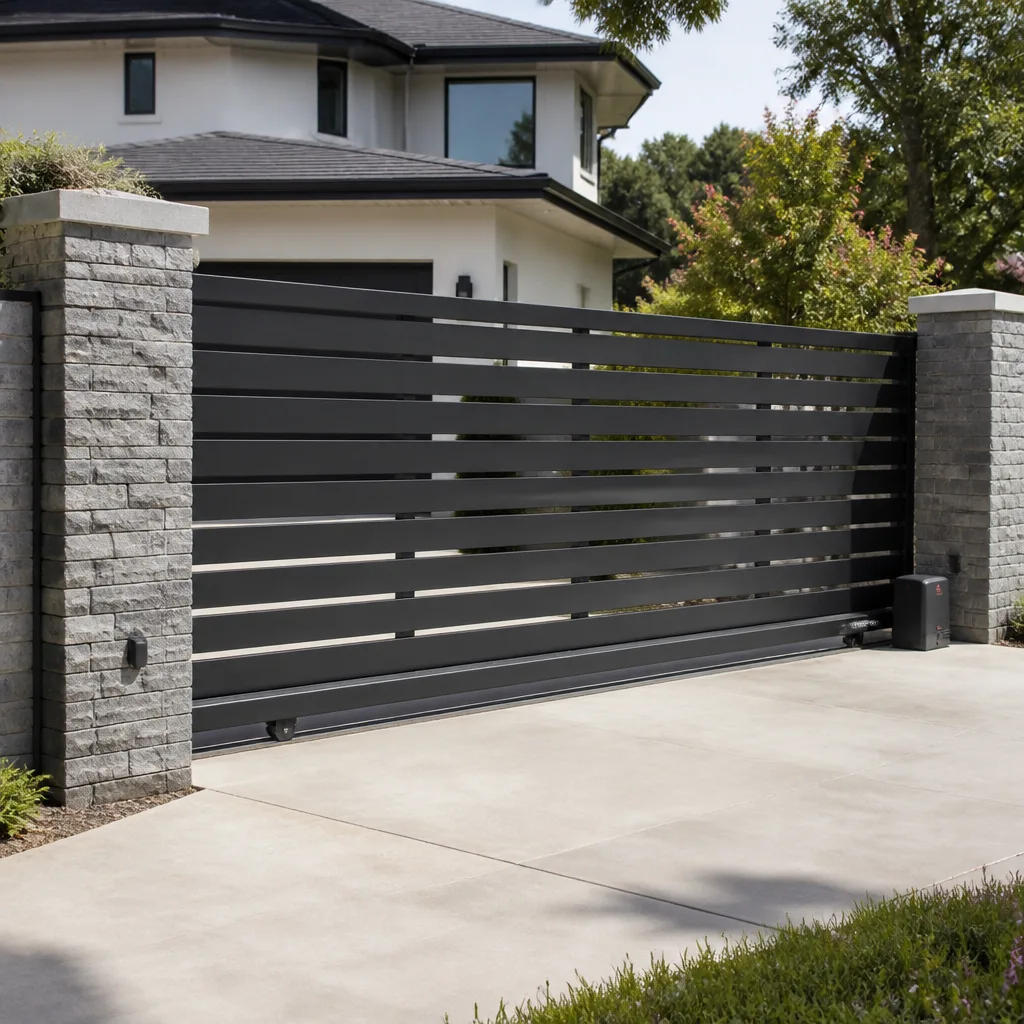 Sliding driveway gates
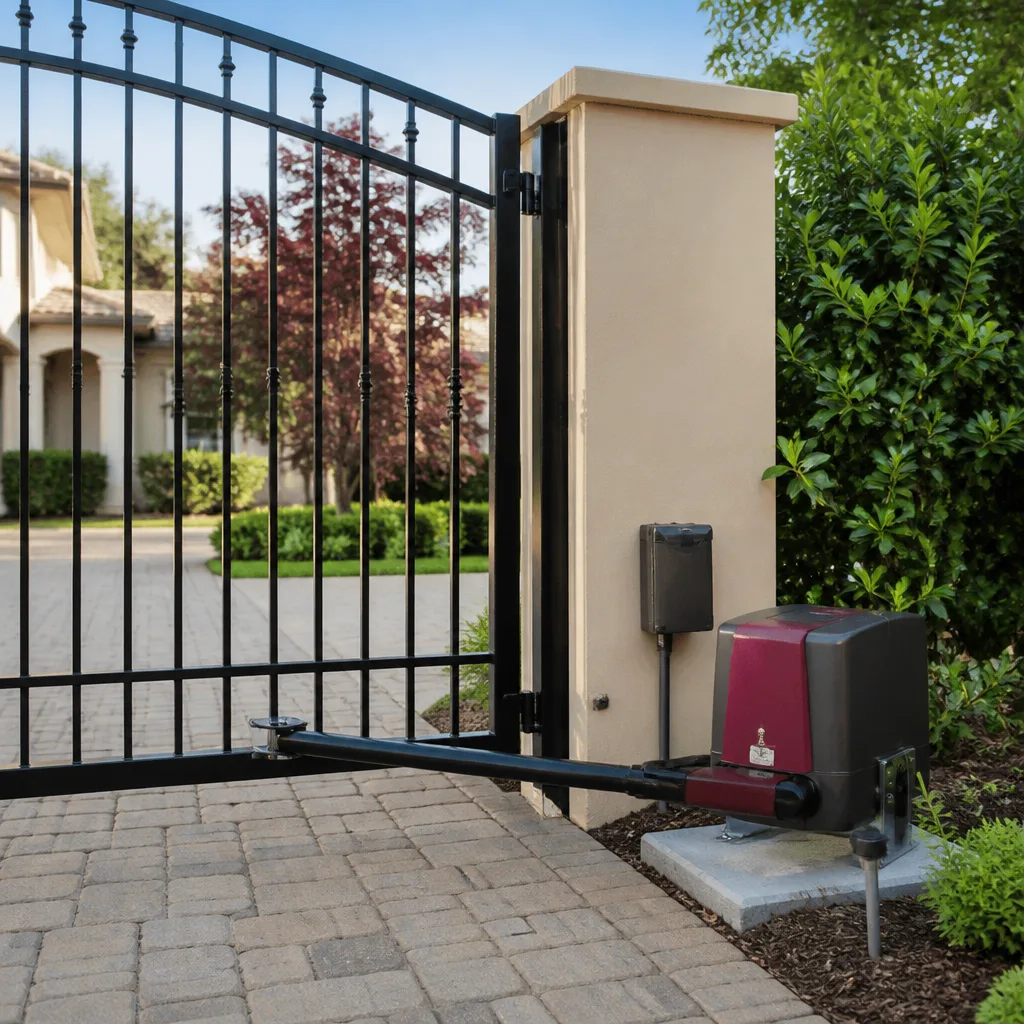 LiftMaster operators
Free on-site gate assessment - hinges, posts, and your LiftMaster or Nice gate operator checked before anything is quoted
The assessment is free and the quote is the invoice.
Get your free estimateGate Repair Troubleshooting: Common Problems and How to Fix Them
Here’s something most troubleshooting guides won’t tell you: a gate that reverses before it closes isn’t “broken.” It’s communicating. Every reversal, stall, and beep is a diagnostic signal, not random noise. The problem is that most advice online treats symptoms as interchangeable and sends Anaheim homeowners chasing gremlins instead of causes. Obstruction sensors, limit switches, and torque settings each produce a distinct reversal pattern, yet generic guides blur them into one bucket labeled “sensor issue.” This guide works backward from failure mode to mechanical or electrical source, saving you the frustration (and cost) of replacing parts that were never at fault. Whether you’re nursing a door that groans at 6 a.m. on a Monday or troubleshooting a Viking operator that decided the gate should stop halfway, here’s how to read what your gate is actually saying.
Styles & brands we work with
Quick Answer
Most gate failures trace to one of five root causes: a tripped safety device (photo eye or loop detector), a failed limit switch, a torque or sensitivity setting that’s drifted, a weak or dead battery backup, or mechanical binding at the hinge or track. Before replacing any component, inspect the obvious physical blockages, check whether safety sensors are aligned and clean, and note the specific reversal or stall pattern. If the operator runs but the gate doesn’t move, you likely have a mechanical disconnection, not an electrical failure. For persistent issues, our Gate Repair services can resolve it faster than any parts-swapping approach.
Table of Contents
- Failure-Mode Mapping: What Your Gate’s Behavior Actually Means
- Dead Operator or Tripped Safety Device: The $15 vs. $600 Diagnostic
- The Four Electrical Faults You Can Safely Check
- Why Mechanical and Electrical Problems Present Identically
- What to Capture on Video Before Calling a Technician
- Brand-Specific Notes: Linear, Viking, Ghost Controls, and DoorKing
- Common Mistakes to Avoid
- When to Call a Professional
- Frequently Asked Questions
- The Bottom Line
Failure-Mode Mapping: What Your Gate’s Behavior Actually Means
Every gate failure produces a signature. Here’s the mapping we use on every service call in Anaheim, from residential driveways off Santa Ana Canyon Road to commercial access points in the Canyon business district. Match your symptom to the most likely cause before touching anything.
- Gate reverses immediately after closing starts: Obstruction sensor tripped. Photo eye misaligned, dirty lens, or something in the beam path. On swing gates, a bent safety edge can also false-trip.
- Gate reverses halfway through the cycle: Torque or sensitivity setting too low. The operator thinks it hit an obstacle when it actually hit normal resistance. Common after temperature swings, when cold steel and stiff grease increase drag.
- Gate opens fine but won’t close: Safety loop detector stuck in “vehicle present” mode, or a photo eye pointing at the ground instead of the reflector. On some Linear and Viking boards, a failed loop detector presents exactly this way.
- Gate opens slowly or stalls in one direction: Mechanical binding. Hinge wear, a sagging leaf, or debris in the track. The motor isn’t weak, it’s working against a physical load.
- Gate doesn’t respond at all, no noise: Dead transformer, tripped breaker, or failed control board. Confirm this before condemning the operator.
- Gate responds but hums without moving: Capacitor failure on AC motors, or mechanical disconnection. The motor is spinning but not engaging the gate.
- Gate beeps but does nothing: Low battery on DC operators, or a board in lockout after too many obstruction triggers. On Ghost Controls and Mighty Mule units, a slow beep pattern means one thing, a fast one another.
- Gate opens on its own: Stray signal from a neighbor’s remote, a stuck button at the keypad, or a loop detector false-triggering. Rarely the board, often the peripheral.
In our experience, homeowners in Anaheim neighborhoods with mature landscaping most frequently see false obstruction trips from overgrown bougainvillea and ice plant creeping into the photo eye path. Before assuming the board is bad, walk the beam line and look for nature’s contributions.
Dead Operator or Tripped Safety Device: The $15 vs. $600 Diagnostic
The highest-cost misdiagnosis in gate repair is replacing a working control board when a $15 safety device was actually the culprit, as covered in our Gate Repair Warning Signs: A Anaheim Homeowner’s Reference Guide. This happens more than most homeowners realize. Here’s the sequence that separates the two.
Step 1: Check for power at the outlet. This sounds obvious, but Anaheim’s summer load on older electrical circuits trips more GFCI outlets than any other single cause of “dead” gates. Reset the GFCI, then test the outlet with something you know works, like a phone charger. If the outlet is dead, the gate operator was never the problem.
Step 2: Look for the operator’s status light. Most LiftMaster, Linear, and Viking operators have an LED on the board or on the housing. A solid green usually means “ready.” A blinking pattern is a code. No light at all means no power reaching the board. If you have power at the outlet but no light on the board, check the operator’s internal fuse before assuming board failure.
Step 3: Bypass the safety devices temporarily. If the gate runs fine with the photo eyes disconnected (on boards that allow this) or when you hold the manual override button, the problem is in the safety circuit, not the operator. A Gate Installation in Brea specialist can walk you through this safely, but the principle stands: isolate before you condemn.
Step 4: Listen for relay clicks. When you press the remote or keypad, does the board click even though nothing moves? That’s the board trying to work. Clicking without movement points to a motor capacitor, a wiring fault between board and motor, or a mechanical bind. No click at all suggests the board isn’t receiving the input signal, which loops back to remotes, keypads, or loop detectors.
This four-step sequence costs nothing but fifteen minutes and routinely prevents the “replace the board and hope” approach that turns a simple fix into a four-figure invoice. If you’re in Anaheim and stuck at step two, a specialist can confirm what you’re seeing over the phone.
The Four Electrical Faults You Can Safely Check
Not all electrical work on a gate requires an electrician. Here are the four checks a careful homeowner can perform without opening the operator housing or touching high-voltage connections. These are the exceptions, not the rule.
1. Loop detector status. The loop detector is the small module wired to the loop of wire buried in your driveway. When it fails, it usually fails “occupied,” meaning the gate thinks a car is permanently sitting on it and refuses to close. Look for a red LED on the detector itself. If it’s lit solid when no car is present, the loop is shorted, open, or the detector needs a reset. Powering the system down for 60 seconds sometimes clears a latched detector. If the light stays on, the loop is the problem, not the operator.
2. Photo eye alignment. This is the most common quick fix in the trade. Photo eyes get bumped by weed trimmers, hit by errant basketballs, or simply vibrated out of alignment over years of gate cycles. Most have a small LED indicator: green means aligned, red or off means misaligned or blocked. Gently re-aim the eyes until both lights indicate alignment. Clean both lenses with a dry cloth. This alone fixes a remarkable percentage of “gate won’t close” calls.
3. Battery backup condition. If your operator has a battery backup (common on Gate Installation in Brea properties with HOA requirements), a dying battery produces erratic behavior that mimics sensor problems: slow operation, partial cycles, random beeping. The battery has a lifespan of roughly two to three years in Anaheim’s heat, shorter if the gate cycles frequently. If the gate behaves oddly only when you cut main power, the battery is done. Replace it as a maintenance item, not after it strands you.
4. Transformer output. The transformer converts 120V household current to the low-voltage power the board needs, typically 24V AC or DC. You can test this with a basic multimeter at the transformer’s output terminals if you’re comfortable doing so. No reading, or a reading far below spec, means the transformer is dead. This is a plug-and-play replacement on most residential operators and costs little compared to a board. Note: if you’re not comfortable with a multimeter near a live circuit, skip this one and call a specialist.
Why Mechanical and Electrical Problems Present Identically
Here’s the core diagnostic challenge in gate repair: a gate that opens slowly can be an electrical problem (a failing capacitor starving the motor) or a mechanical problem (a hinge binding after years of Anaheim’s dry heat and occasional Santa Ana wind grit). Both look identical from the driver’s seat. The fix is different, and the misdiagnosis expensive.
Here’s the mechanical inspection sequence we use to rule out the physical before assuming the electrical. Do this first, because mechanical problems are easier to find, cheaper to fix, and more common than failed motors.
- Disconnect the operator. Most operators have a manual release that disengages the drive so the gate can be moved by hand. Use it.
- Push the gate manually through its entire range. It should move with consistent, even resistance. If it binds at the same spot every time, that’s your mechanical culprit. Back to the hinges or track you go.
- Listen for grinding, squealing, or scraping. Metal-on-metal sound means a bearing or roller is done. A low squeak that changes with gate position is often a hinge pin. A rhythmic scrape is usually a wheel or roller on a track gate.
- Check the gate leaves are level. Stand back and sight across the top. A sagging leaf (common on heavy wood gates in older Anaheim neighborhoods) loads the hinge unevenly and makes the operator work harder. The operator’s torque setting eventually gives up and reverses.
- Inspect the track for debris. On slide gates, gravel, acorns, and eucalyptus bark are the usual suspects. On swing gates, check the path where the gate travels for anything that wasn’t there last week, including new plantings.
If the gate moves freely by hand but resists under power, the problem is electrical or in the operator’s drive mechanism. If it resists by hand, no amount of board replacement or torque adjustment will fix it. The physical must be eliminated first. We see this diagnostic order backwards on most DIY forums, and it’s the single biggest reason homeowners in Anaheim replace working motors while leaving a seized hinge in place.
What to Capture on Video Before Calling a Technician
Here’s a practice that saves service time and protects against unnecessary parts charges: before you call a gate specialist, capture the failure on video. A 60-second clip often gives a technician with brand-specific experience 80% of what they need to diagnose before rolling a truck. This matters because a technician who can pre-diagnose arrives with likely parts on the truck and spends less billable time investigating.
Angle one: the operator itself. Stand where you can see the operator housing and its indicator lights. Trigger the gate and record the entire attempt. The LED blink patterns, relay clicks, and motor sounds are diagnostic gold. On a Viking or DoorKing commercial operator, the blink sequence alone often identifies the fault.
Angle two: the gate’s full travel path. Step back and film the gate’s motion from a position where the entire opening is visible. The exact point where the gate stalls, reverses, or shudders tells us whether it’s a limit switch, a torque issue, or a mechanical catch. A gate that fails at 70% travel every time is almost never a sensor problem.
Angle three: the hinge or track area. Get a close shot of the hinges on a swing gate or the track and rollers on a slide gate while the gate is moving or attempting to move. Metal deformation, play, and debris are visible in video even when they’re subtle in still photos.
Test cycles to film: One full open and close from the keypad. One from the remote. One activation where you watch the photo eyes. If the gate stalls, note the percentage of travel reached and whether it happens in both directions or just one. That last detail alone frequently narrows the cause to mechanical versus electrical.
Send the video when you schedule the service. A specialist who works on your specific brand, whether it’s a Ghost Controls DIY line or a BFT commercial workhorse, can often quote the likely repair from the clip before arriving. Even in Anaheim traffic, showing up prepared is faster than showing up and starting from scratch.
Brand-Specific Notes: Linear, Viking, Ghost Controls, and DoorKing
Every gate operator brand has its own failure signatures, quirks, and service needs. Here’s what we see in the field across the brands we work on daily. This familiarity is the difference between a tech who recognizes your system and one who starts from a generic manual.
Linear. Linear’s residential swing and slide operators are common on Anaheim properties built from the 1990s onward. The APeX and LRA series are workhorses, but their control boards are sensitive to power surges. After a storm or a brownout, a Linear board can lock out and require a power reset before it responds again. The good news: Linear boards typically give clear LED diagnostic codes, so a quick video of the board’s lights speeds diagnosis significantly. Their limit switches are mechanical on most models and do drift over time, producing gates that don’t fully close or stop a foot short.
Viking. Viking operators are the durable choice for heavier residential and light commercial gates, and they earn that reputation. What we see most often on Viking units in Anaheim is capacitor failure on older AC models, especially after years of heavy cycling in summer heat. The symptom is a gate that hums but won’t start moving, or one that runs fine after a push-start. Viking’s newer DC models have excellent soft-start and soft-stop but are more dependent on correct torque settings; too low and they reverse on inertia, too high and they won’t stop at obstructions.
Ghost Controls. Ghost Controls occupies the DIY and prosumer space, and their systems are widely installed on lighter residential gates. The most common Ghost Controls issue we resolve is user-side calibration drift: after power outages or battery swaps, the unit forgets its limits and over- or under-travels. Re-running the limit learning procedure usually fixes it. Their photo eyes also sit on small brackets that bend easily. If a Ghost Controls gate worked before a storm and doesn’t after, check the limits and the eyes before anything else.
DoorKing. DoorKing is the entry point into serious commercial and high-cycle applications. These are the operators on multi-tenant gates, HOAs, and light industrial access points throughout Anaheim. DoorKing units are built to run, but their loop detector circuits and limit mechanisms live a hard life on high-traffic gates. The signature DoorKing failure is loop-related: a gate that won’t close because the detector thinks a car is parked on it. Before replacing anything, check the loop detector module and its indicator LED. DoorKing also makes excellent slide gate operators that punish neglected tracks, so keep the rollers and guide path clean.
We service all of these brands and more from our base in Anaheim. That means the technician who shows up has seen your exact operator model before and can diagnose it faster than someone meeting it for the first time. For more on what sets a Ironcrest Gate Repair home specialist apart, or to see how we handle Electric Gate Repair in Brea, the approach is the same: brand-first diagnosis, not guesswork.
Common Mistakes to Avoid
- Replacing the control board because the gate won’t close. In our experience, the board is the actual culprit in fewer than a quarter of “won’t close” service calls. The overwhelming majority trace to loop detectors, photo eyes, or limit switches. Replacing the board first is like replacing the engine because the car won’t start when the battery is dead.
- Cranking up the torque instead of fixing the mechanical bind. When a gate struggles against a worn hinge and you raise the torque setting to compensate, you don’t fix the bind. You mask it while the motor works harder, runs hotter, and dies sooner. Find the bind, fix the bind, then let the torque setting do its actual job.
- Ignoring the first stall or reversal. Gates rarely fail all at once. They stall once, then work. They reverse occasionally, then constantly. Every intermittent failure is a diagnostic freebie: a clear signal that a component is degrading. The longer it’s ignored, the more collateral damage it does, usually to the very part that would have been cheap to replace early.
- Using generic remotes on a DoorKing or Viking commercial system. Commercial operators have access control protocols. A universal remote that works beautifully on a residential LiftMaster can confuse a commercial board or fail entirely. Use the remotes specified for your system, or you’ll chase “intermittent board failures” that are actually remote compatibility issues.
- Lubricating the track on a slide gate. This one is counterintuitive. Slide gate tracks should be clean and dry, not greased. Grease attracts Anaheim’s fine dust and grit, forms an abrasive paste, and accelerates roller wear. Clean the track, replace worn rollers, and leave the lubricant off.
- Forgetting the gate’s duty cycle. A residential operator on a gate that cycles 200 times a day because it’s handling two ADUs and a home business will fail early, repeatedly, no matter how well it’s maintained. If your usage pattern has changed, the operator may need to change with it, not get repaired into an early grave.
- Waiting until the gate won’t move at all to call. The best service call is the one that happens when the problem is still small. A gate that’s been acting up for weeks costs more to fix than one caught at the first stall, because failing components tend to take neighbors with them. The Gate Repair in Brea approach applies everywhere: diagnostic early, repair cheaper.
When to Call a Professional
Some gate problems are genuinely worth a specialist’s time and training. The line is this: if the diagnosis requires opening the operator housing, working with high-tension springs on a swing gate, or interfacing with mains voltage, call someone who does this daily. A gate counterweight or spring under tension is not a place for a breaker bar and optimism; the stored energy is enough to cause serious injury. So is poking around a control board while it’s live. If you’ve completed the mechanical inspection and the four electrical checks above without finding the cause, or if the operator is a DoorKing, FAAC, BFT, or Viking commercial unit with access control integration, the diagnostic path gets specialized fast—see How to Hire a Gate Repair Contractor in Anaheim: A Step-by-Step Guide. Anaheim property owners and HOA managers can get free estimates from Ironcrest Gate Repair by calling (833) 589-7839. The estimate is free, and the phone consultation usually resolves the “should I even worry about this” question before we ever schedule a visit.
Frequently Asked Questions
Gate repair in Anaheim typically ranges from $175 to $450 for common fixes like photo eye alignment, limit switch replacement, or capacitor swaps, while control board replacements on commercial DoorKing or Viking systems can run $500 to $1,200 with labor. The price is always quoted and agreed before any work starts, so you’ll know the exact number before a technician touches the gate. Call (833) 589-7839 for a free estimate specific to your operator model and issue.
In many cases, yes. Simple fixes like photo eye realignment, limit switch adjustments, and capacitor replacements on residential Linear or Mighty Mule systems are often completed in a single visit. More complex repairs, especially on commercial operators requiring parts ordered by model, may take a day or two. When you call (833) 589-7839, we’ll tell you realistically which category your gate falls into, not just what you want to hear.
A gate that opens on its own is almost always receiving a signal or a false trigger, not developing consciousness. The usual suspects are a neighbor’s remote on the same frequency, a stuck keypad button, or a loop detector false-triggering when a large vehicle, metal object, or even wet soil shifts the loop’s detection field. Clear the remote memory and reprogram your remotes first; if it continues, the loop detector is the next likely culprit.
If the operator is more than 15 years old, the repair exceeds 50% of a new unit’s cost, or parts for your specific model are no longer manufactured, replacement usually makes better long-term sense. A specialist who works on your brand can give you an honest comparison rather than a sales pitch. We tell Anaheim customers that a gate that needs the same repair twice in two years is giving you its answer: it’s done.
Disconnect the operator using the manual release and push the gate by hand. If it moves smoothly and easily through its full range, the gate mechanics are fine and the problem is electrical or in the operator drive. If it binds, grinds, or sticks, the operator is working against a physical load and the mechanical issue must be fixed first. This single test takes two minutes and saves hours of misdiagnosis.
Yes. We work on commercial operators from FAAC, BFT, DoorKing, and other professional lines at multi-tenant properties, HOAs, and light industrial sites across Anaheim. Our focus is gate systems exclusively, which means the technician who arrives has depth in commercial access control, loop detectors, and high-cycle operators that a generalist wouldn’t. Call (833) 589-7839 to describe your system and get a free estimate.
The Bottom Line
Gate troubleshooting rewards patience and penalizes guesswork. The gate that reverses isn’t broken, it’s reporting. The operator that hums isn’t dead, it’s disconnected. The board that “failed” is often innocent, convicted by a dirty photo eye or a latched loop detector. Work the sequence: check power, check safety devices, rule out mechanical binding, note the specific failure pattern, and document what you find. For more guides & resources, visit our blog. If you’re in Anaheim and the diagnostic path stalls, or you’d rather skip the investigation entirely, call (833) 589-7839 for a free estimate. We’ll tell you honestly whether you need a repair, a replacement, or just a fifteen-minute adjustment. Either way, you’ll know the price before any work begins.
Written by the team at Ironcrest Gate Repair, serving Anaheim since 2017.
See the difference
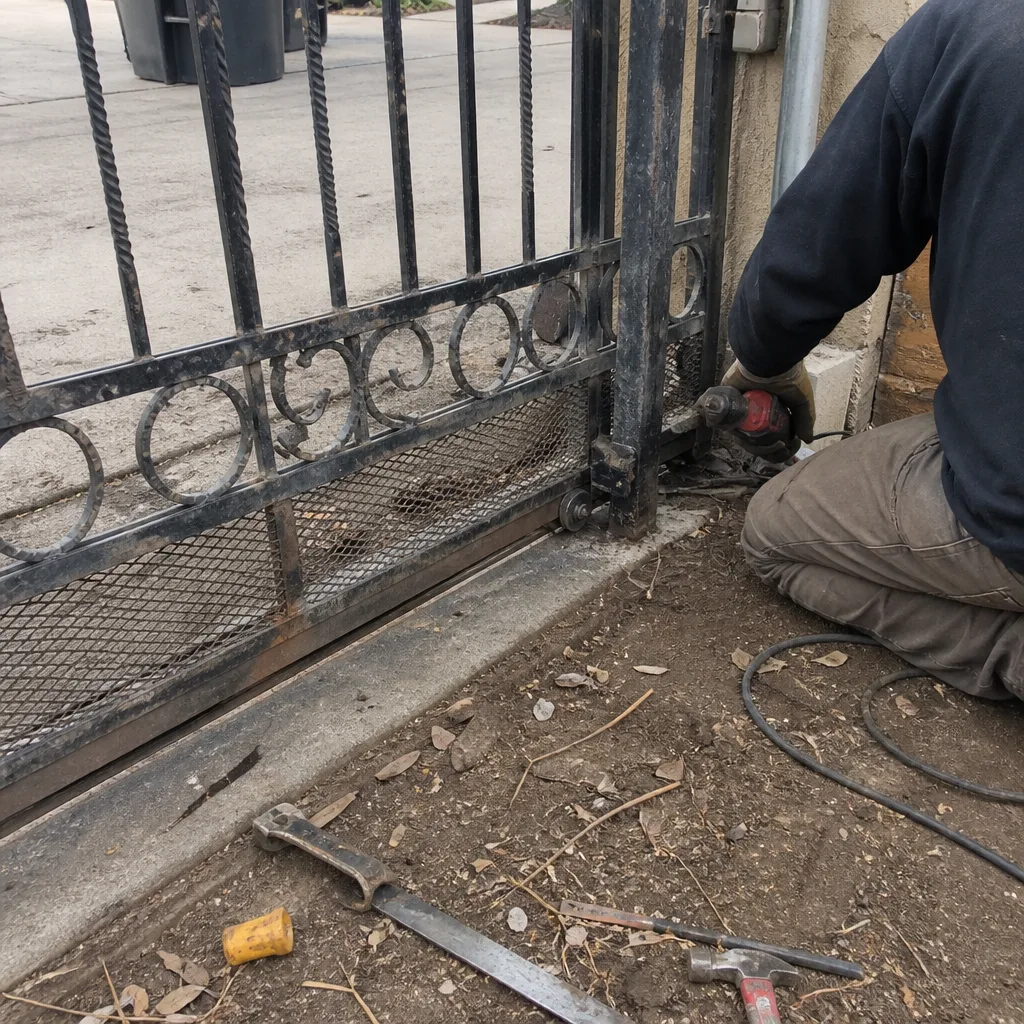 Before
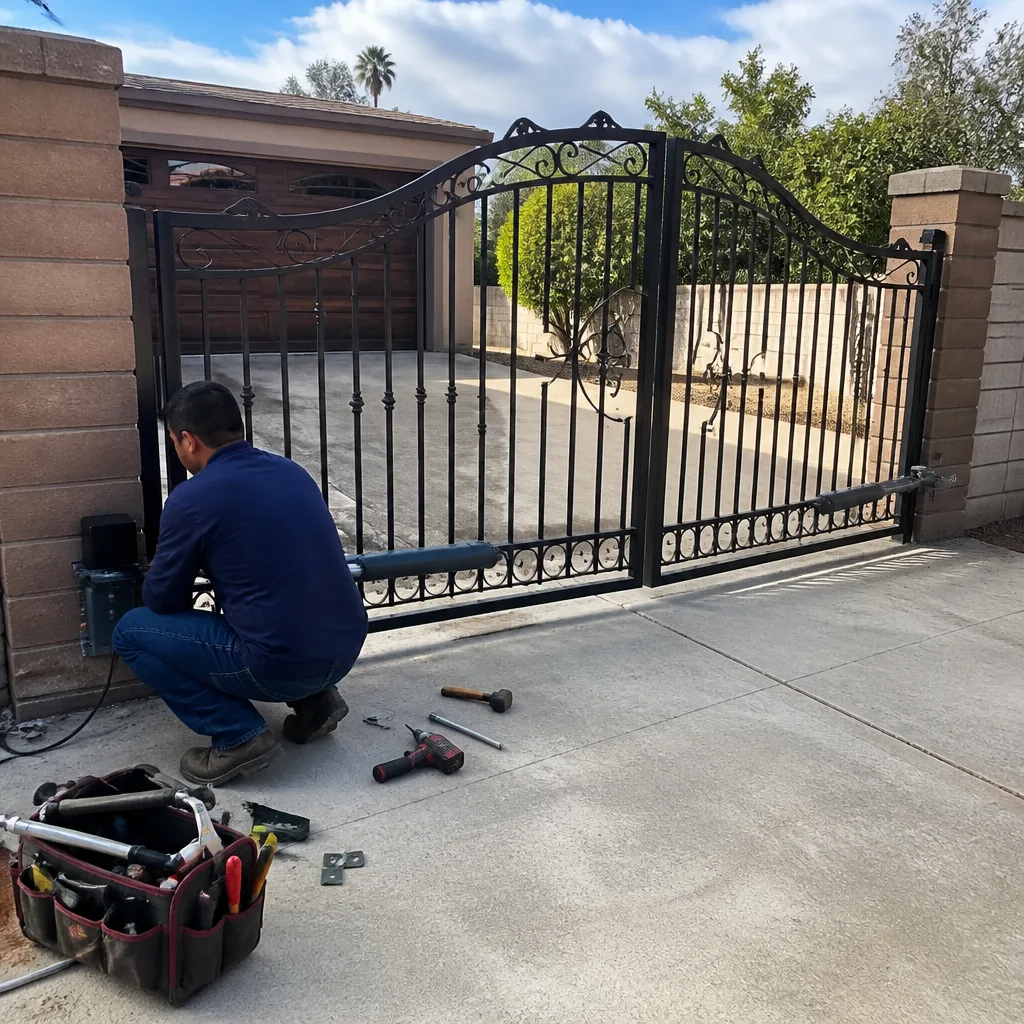 After
After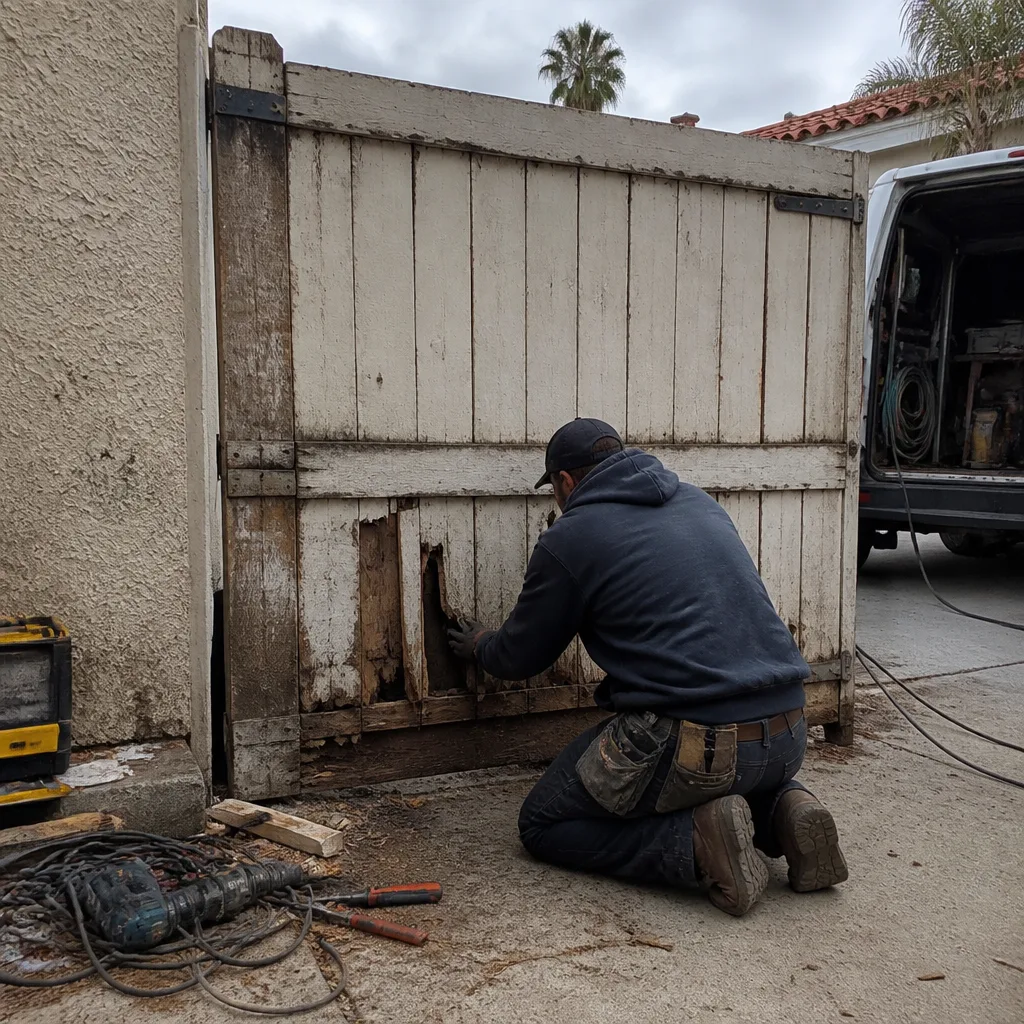 Before
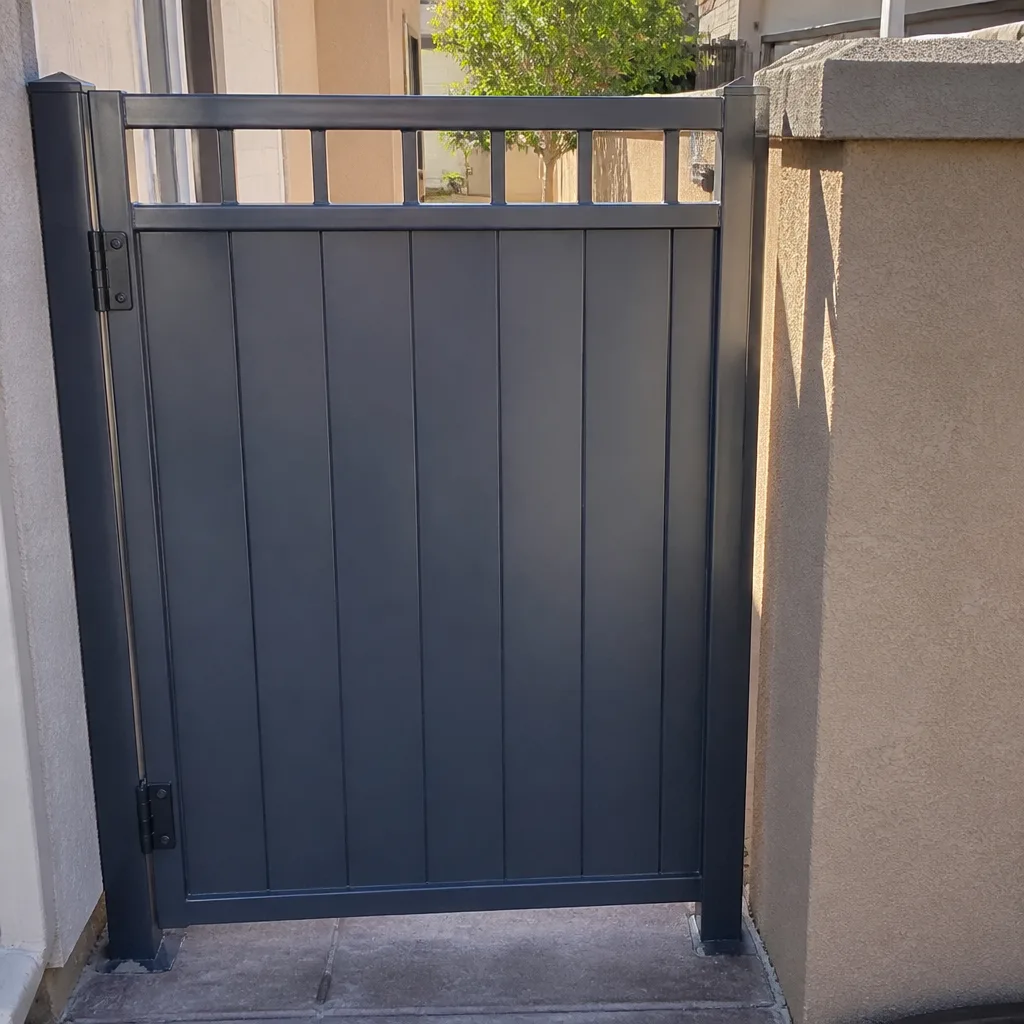 After
After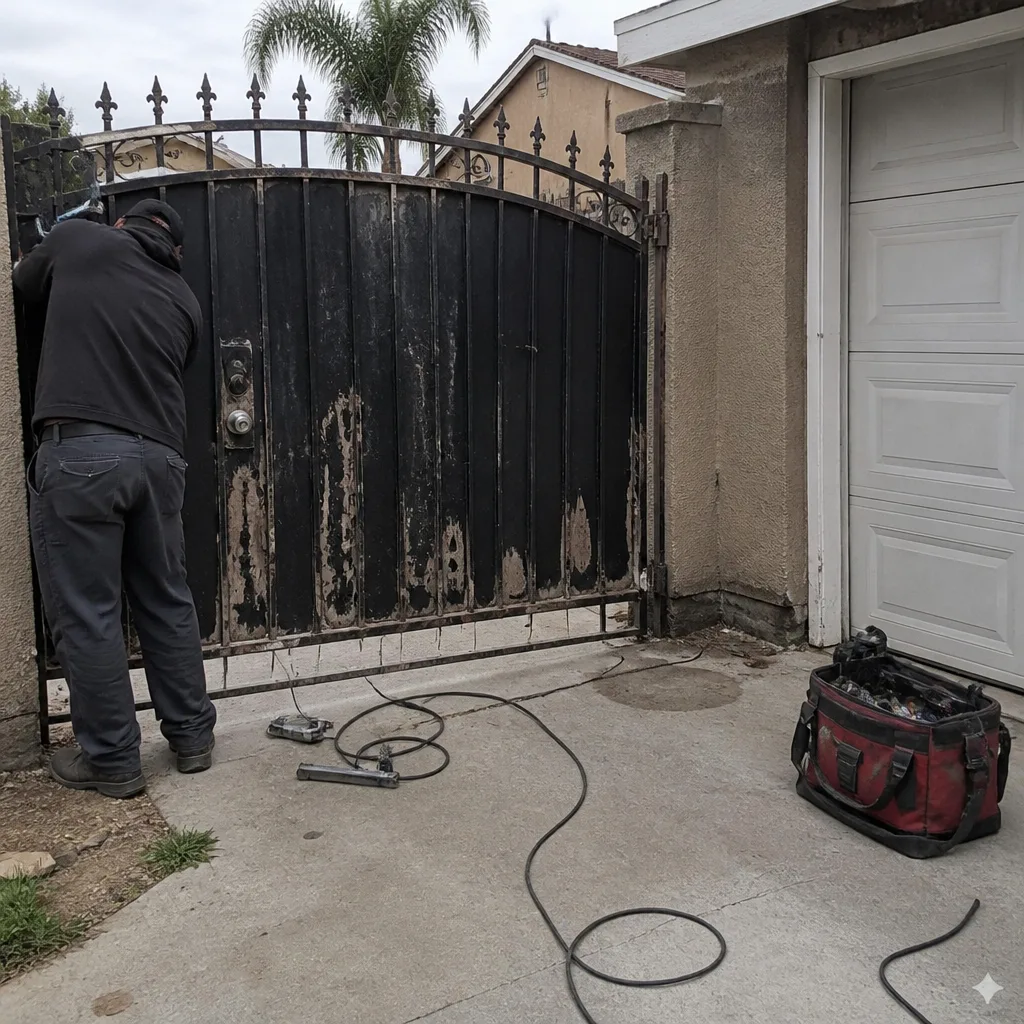 Before
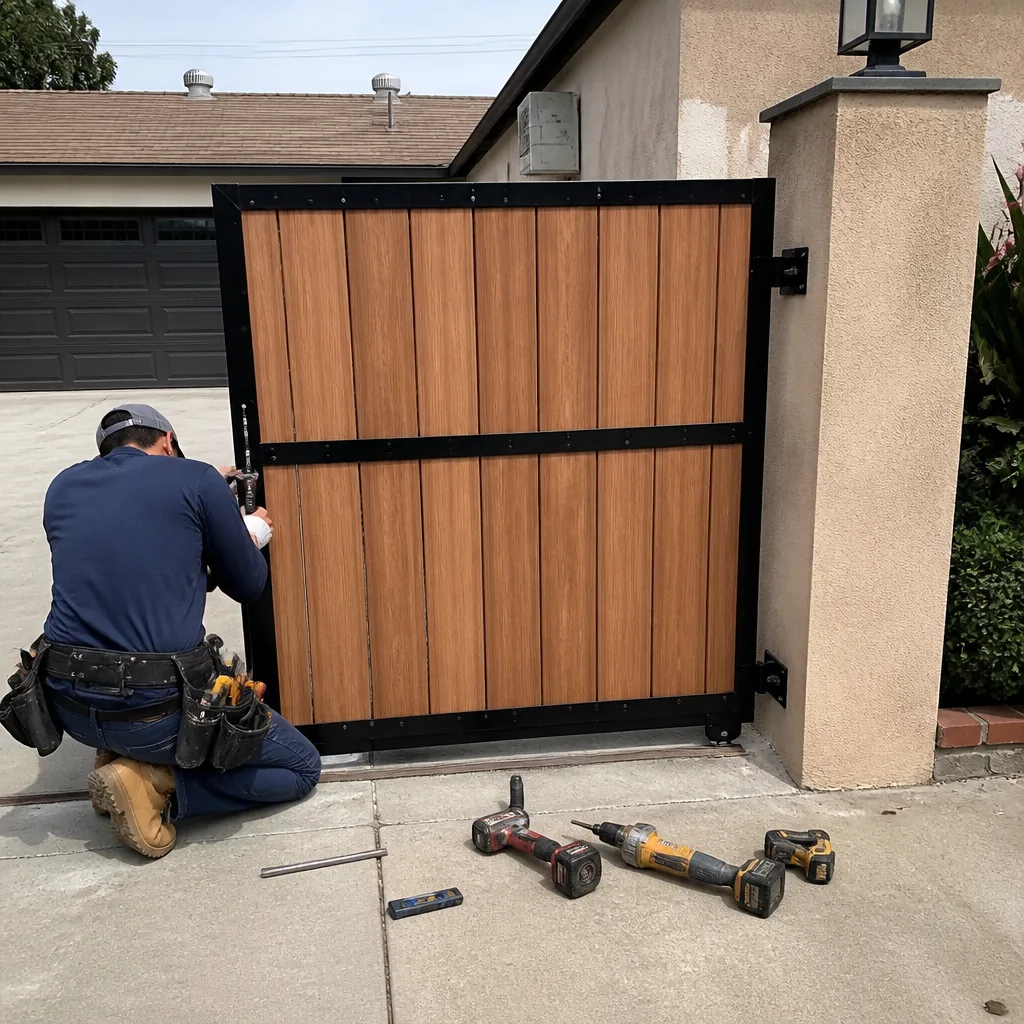 After
After